How KidLock Works
Simple enough for any parent, powerful enough for any child. Our 3-step loop ensures balanced digital habits.
Set the Limit
Define daily screen time in the Admin Panel. Once it's up, the TV locks automatically.
Issue a Code
Generate unique 4-character codes for extra time as rewards or special occasions.
Control Remotely
Remote control runs through a server: self-host it for free, or use our managed server with a subscription.
Designed for your TV
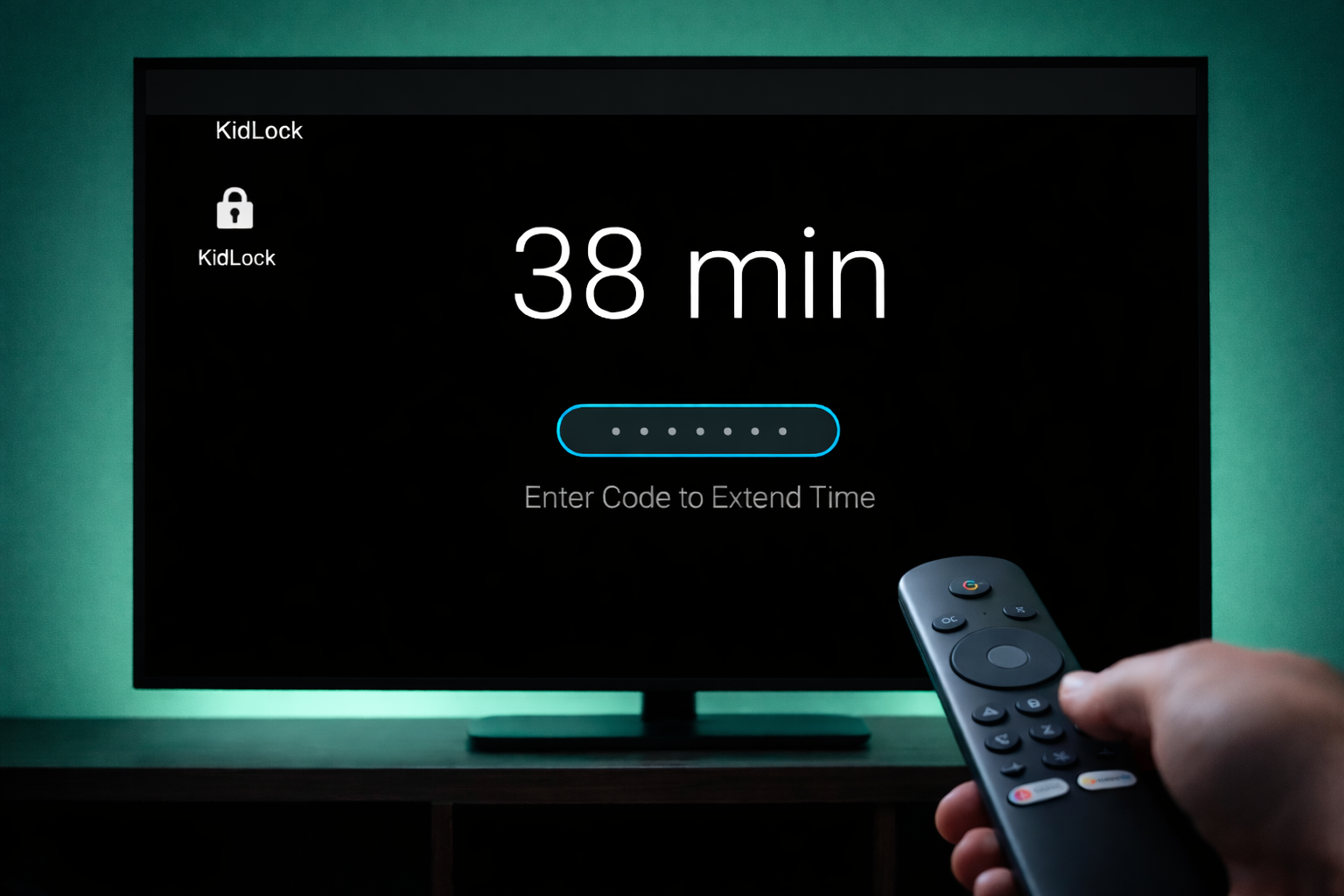
The KidLock interface is optimized for the "10-foot experience". Large, clear text and intuitive navigation that anyone can use with a standard remote control.
- Large 24sp+ fonts for readability
- Dark-first design to prevent eye strain
- Simple D-pad navigation
- Visual focus states for every action
Everything you need to regain control
KidLock combines medical-grade trust with family-friendly warmth to create the perfect balance.
Screen Time Mastery
Set hard daily limits. When time is up, the TV locks automatically across all apps.
PIN Protection
Secure 6-digit PIN ensures only parents can change settings or bypass limits.
Single-Use Codes
Generate 4-character codes for rewards. Once used, they can't be reused.
Usage Insights
Track which apps your kids use most and for how long. Make data-driven decisions.
Device Lock
Full system-level locking. No bypassing by switching apps or rebooting.
Simple Interface
Clean, non-techy UI designed for parents who just want things to work.
Choose how deep you go
Start with a simple, serverless Android TV app. When you are ready for more control, add your own server or our managed one.
Android TV app only
Use KidLock locally on your TV without any server.
- Daily time limits on a single TV
- Local admin PIN
- One-time code entry on the device
- No external server required
- Best for simple, offline use
Self-hosted
All premium features, using your own server. Everything in Android TV app only, plus more control and privacy.
- Web admin dashboard (self-hosted)
- Anti-cheat time sync (self-hosted)
- Unlimited code generation (self-hosted)
- You own your data
Managed server
Everything in Android TV app only, plus a fully managed server — no setup, no maintenance, just use it.
- Managed web admin dashboard
- Managed anti-cheat time sync
- Unlimited code generation
- Server maintenance included
- Priority support